Cloud Backup Support Services Long Island
Losing important files can happen faster than most people expect. Whether it’s family photos, work documents, or personal records, a hard drive failure, accidental deletion, or ransomware attack can put everything at risk.
At Long Island Home Tech Help, we provide reliable cloud backup support for homeowners across Long Island. We help you set up, manage, and restore backups so your important data is protected and easy to recover when you need it.
Professional & Fully Insured. We carry commercial liability insurance and provide respectful, in-home service you can feel confident inviting into your home.
What Cloud Backup Does
Cloud backup securely stores copies of your files online so they’re not limited to just one device. If something happens to your computer, your data is still safe and can be restored.
This means your photos, documents, and files are protected from hardware failure, accidental deletion, and many types of cyber threats. It’s one of the simplest ways to protect what matters most on your devices.

How We Help
We make cloud backup simple and easy to use, even if you’re not very technical. Our support services include:
- Setting up cloud backup for your computer or multiple devices
- Choosing the right backup solution based on your needs
- Making sure backups run automatically and consistently
- Checking that your files are actually being backed up properly
- Helping restore files quickly if something goes wrong
We don’t just set it up and leave—you’ll understand how everything works so you feel confident your data is protected.
Trusted Backup Platforms We Work With
Depending on your needs, we may recommend trusted cloud backup platforms that are known for reliability and security. These can include Backblaze for simple unlimited backup, Acronis for combined backup and security features, and IDrive for flexible multi-device backup options.
Each option has different strengths, and we help you choose what makes the most sense based on how much data you have and how you use your devices.
Remote and In-Home Setup
Most cloud backup setups can be done remotely. With your permission, we connect securely to your device and configure everything for you while you watch. This makes the process fast, convenient, and easy to follow.
If you prefer, we also offer in-home setup where we can walk you through everything in person and make sure all of your devices are properly protected.
Why Backup Matters More Than Ever
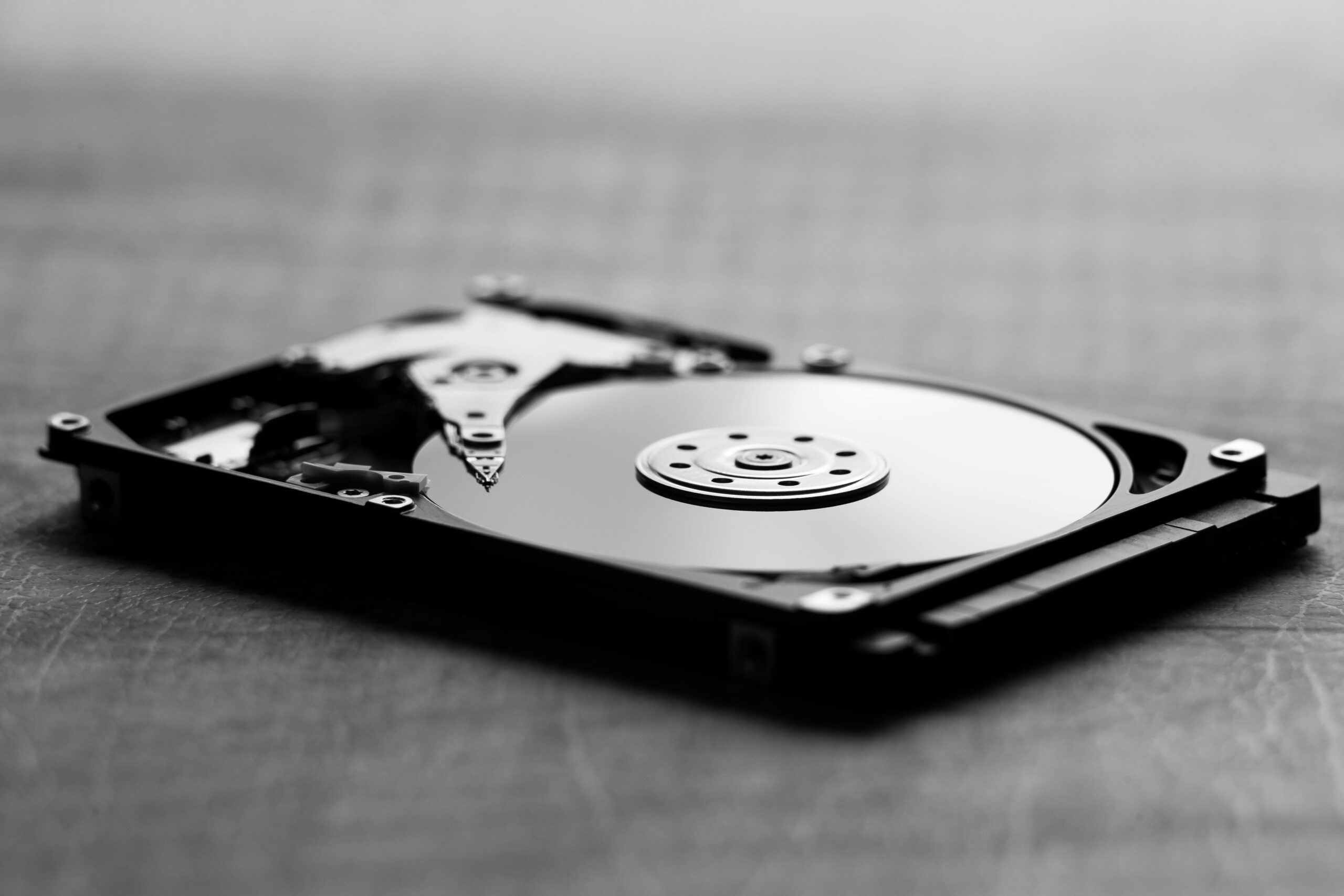
Many people don’t think about backup until something goes wrong. Unfortunately, by that point, files may already be lost. Hard drives can fail without warning, ransomware can lock access to your data, and accidental deletions happen all the time.
A proper backup system gives you a way to recover quickly without stress. It’s one of the most important steps you can take to protect your digital life.
If you’re also concerned about protecting your system from threats, our Remote Virus Removal service can help keep your devices clean and secure.
Related Services
Cloud backup works best as part of a complete home technology setup. You may also find these services helpful:
Why Choose Long Island Home Tech Help
We focus on helping homeowners, not businesses. That means our approach is simple, practical, and designed for real everyday use. We explain things clearly, avoid confusing technical language, and make sure your setup actually works for your needs.
Homeowners across Long Island trust us because we provide reliable solutions, honest recommendations, and ongoing support when needed. Our goal is to make your technology safer and easier to manage.
Get Started with Cloud Backup Today
If you don’t currently have a backup system in place, now is the best time to set one up before something goes wrong. Protecting your files today can save you from major stress later.
Contact Long Island Home Tech Help to schedule cloud backup support and make sure your important files are safe, secure, and always recoverable when you need them.
Frequently Asked Questions
What is cloud backup and how does it work?
Cloud backup stores copies of your files securely online instead of only on your computer. Your files are automatically uploaded and saved, so if something happens to your device, you can restore them from the cloud.
Do I really need cloud backup if I already have files on my computer?
Yes. Files stored only on your computer are at risk if the device fails, is lost, or gets infected. Cloud backup adds an extra layer of protection so your data is still safe no matter what happens to your device.
How long does it take to set up cloud backup?
In most cases, setup can be completed in one session. The initial backup may take longer depending on how many files you have and your internet speed, but after that, backups run automatically.
Can I recover my files if something goes wrong?
Yes. One of the biggest benefits of cloud backup is the ability to restore files quickly. Whether you accidentally delete something or your computer fails, your data can be recovered from your backup.
Is cloud backup secure?
Yes. Most cloud backup services use strong encryption to protect your files both during transfer and while stored. We also help make sure your setup follows best practices for security and reliability.
Ready to Get Help?
If you are overwhelmed by Medicare or insurance paperwork, we can help you work through it calmly and correctly—without pressure or confusing jargon.
We’re here to make technology simple, safe, and stress-free — right in your home.
Questions? Call or text us anytime.
Prefer to review costs first?
View our Pricing →