Remote Tech Support in Long Island
Not every technology problem requires an in-home visit. Many issues can be diagnosed and fixed remotely, saving you time and getting things working again faster.
At Long Island Home Tech Help, we provide professional remote tech support for homeowners across Long Island. Whether your computer is acting up, software isn’t working correctly, or you need help with settings or accounts, we can assist you quickly and securely from a distance.
Professional & Fully Insured. We carry commercial liability insurance and provide respectful, in-home service you can feel confident inviting into your home.
What Is Remote Tech Support?
Remote support allows a technician to securely access your device (with your permission) to diagnose and fix problems. This means we can troubleshoot issues, install updates, remove software problems, and make adjustments without needing to be physically present.
This is often the fastest way to resolve common issues and get your technology back on track.
Who Is This For?
Remote desktop services are ideal for:
1) Individuals who are less comfortable with technology and may would otherwise need extensive assistance.
2) Busy families and households who don’t have the time to troubleshoot technology on their own.
3) People with disabilities or mobility challenges who benefit from convenient, at-home support.
4) Children who are still learning how to solve tech problems.
5) Those who feel the computer is the enemy!
6) Anyone who prefers to have a friendly expert resolve issues instead of figuring it out alone.
This support is perfect for families and homeowners who rely on their devices every day. Whether it’s working from home, helping kids with schoolwork, staying in touch with friends, or managing daily tasks, technology plays a big role in keeping life running smoothly. Remote support gives you a stress-free way to get help quickly, without adding more hassle to your day.
It’s also great for those smaller, annoying issues—like a slow computer, email that won’t update, or programs that won’t open correctly. Instead of spending hours trying to figure it out yourself, you can have someone guide you step by step or fix it for you, making the experience simple, friendly, and worry-free.
Our Remote Support Services
Remote Computer Repair
If your computer is running slow, freezing, or not behaving the way it should, we can troubleshoot and fix performance issues remotely. This includes system cleanup, software fixes, startup optimization, and resolving errors that affect everyday use.
Remote Virus Repair
Popups, suspicious programs, and unusual behavior can all be signs of malware or viruses. We safely remove threats, clean up your system, and help restore your computer to a secure and stable condition.
Email & Software Services
From email setup issues to software crashes and login problems, we help get your apps and accounts working properly again. This includes troubleshooting Outlook, Gmail, and other commonly used programs.
Cloud Backup Support
Protect your important files with secure cloud backup solutions. We help set up, manage, and verify backups so your documents, photos, and data are safely stored and easy to recover if needed.
Common Problems We Fix Remotely
Many everyday tech issues can be handled remotely, including:
- Slow or unresponsive computers
- Software errors and crashes
- Email setup and troubleshooting
- Printer connection issues
- Basic virus and malware removal
In many cases, problems can be resolved during a single remote session.
Why Use Remote Services
1.Fast and Convenient
Remote support eliminates the need to unplug your setup or wait for an in-home appointment. As long as your device has an internet connection, we can often begin troubleshooting quickly.
This makes remote support a great option for urgent issues or quick fixes.
2. Secure Remote Access
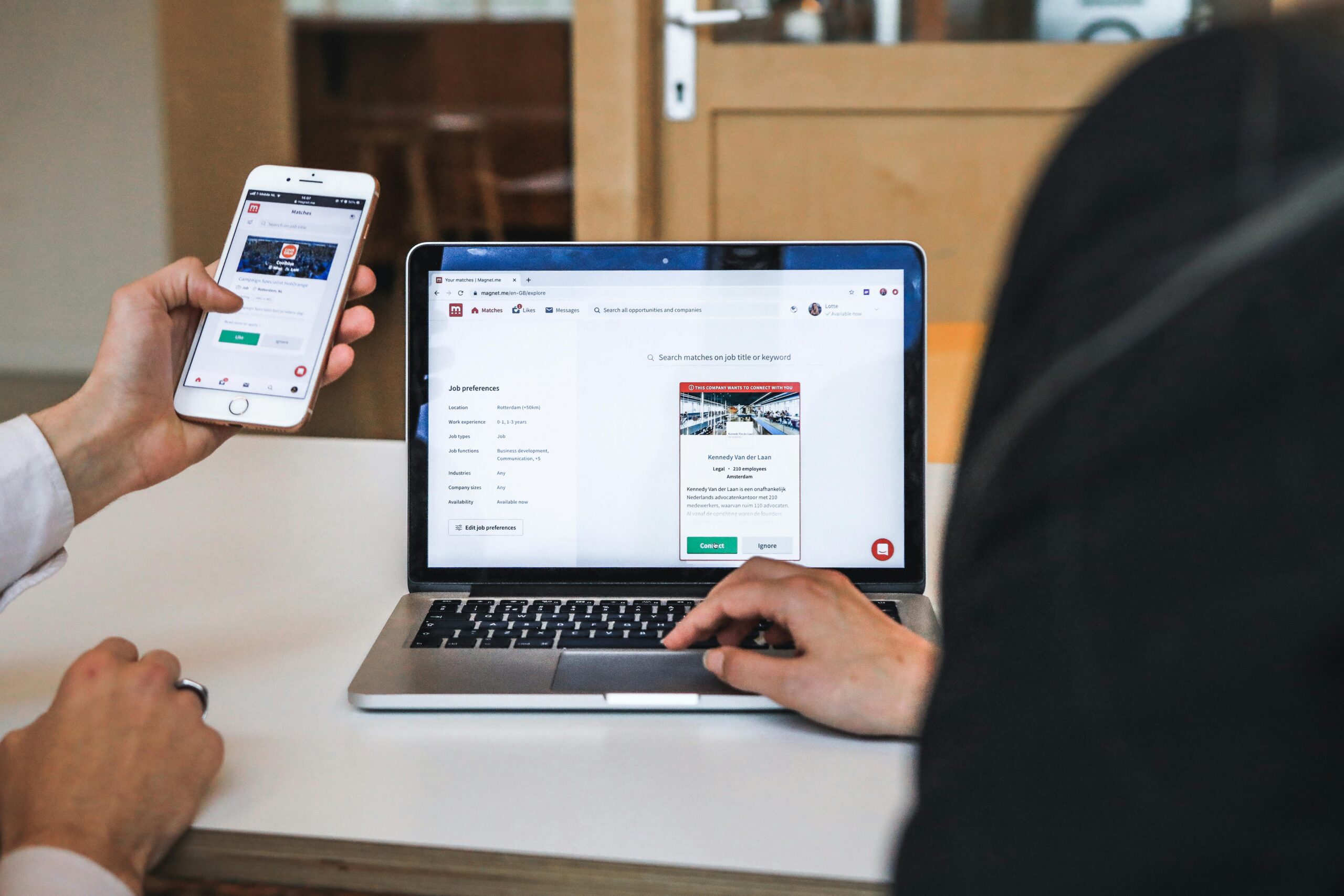
Your privacy and security are important. Remote sessions are only started with your approval, and you remain in control the entire time.
We use trusted remote access tools such as Google Remote Desktop, Windows Remote Desktop and Windows Quick Assist to ensure a safe and reliable connection.
3.Affordabilty
Remote support helps families save money by avoiding travel fees and getting help right away. Most issues can be fixed faster, which means less time billed. That can save you up to 50% compared to an in-home visit.

How Remote Help Works
During a remote session, we securely connect to your device (only with your permission) to take a closer look and fix the issue. You can stay right there, watch what’s happening, ask questions, and feel confident about what’s being done. We want you to feel comfortable and informed the whole time.
If it turns out the problem needs hands-on repair or your device can’t get online, we’ll simply recommend an in-home visit instead. That way, you always get the right kind of help, and everything can be taken care of properly without any guesswork.
Remote tech support is a simple and comfortable way to get help with everyday technology problems. Whether it’s settings that need adjusting, an account that isn’t working right, or software acting up, many of these issues can be fixed without needing someone to come into your home. As long as your device is on and connected to the internet, we can often take care of things quickly and get everything back to normal.
Frequently Asked Questions
What is remote tech support?
Remote tech support allows a technician to access your device securely over the internet to diagnose and fix problems without needing to visit your home.
Is remote support safe?
Yes. Sessions are secure and only started with your permission. You remain in control the entire time.
Do I need internet for remote support?
Yes. A working internet connection is required so we can connect to your device.
What problems can be fixed remotely?
Many software-related issues such as slow computers, email problems, and settings errors can be resolved remotely.
Ready to Get Help?
If you are overwhelmed by Medicare or insurance paperwork, we can help you work through it calmly and correctly—without pressure or confusing jargon.
We’re here to make technology simple, safe, and stress-free — right in your home.
Questions? Call or text us anytime.
Prefer to review costs first?
View our Pricing →